
Brand and press kit
Thalia is a native Mac app for Meta’s Muse Code CLI, made by Mabry Ventures. This page has the app icon, how to name Thalia and the Meta products it works with, and how Thalia looks and sounds.

The icon
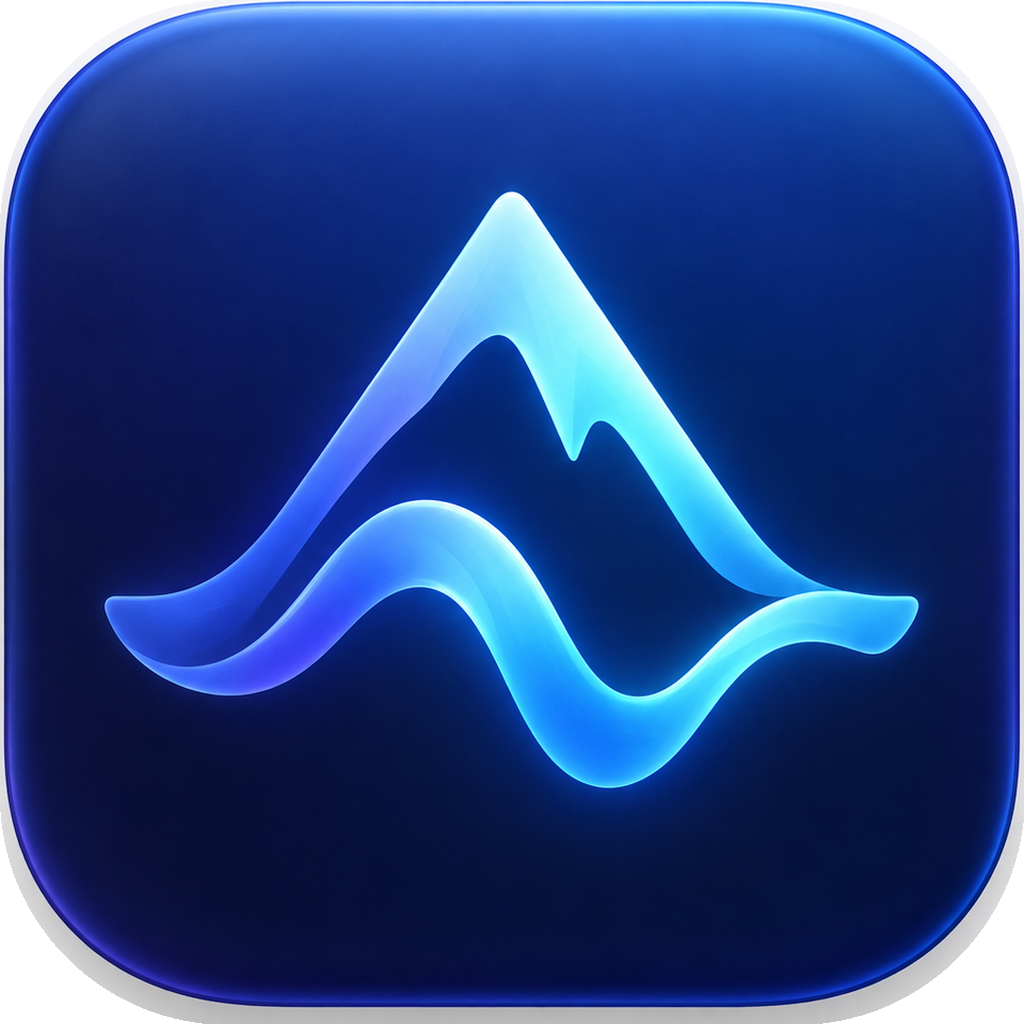
The blue wave and mountain icon is Thalia’s only mark. Show it exactly as supplied: never redraw, recolour, crop, round, stretch or add a glow to it. Leave clear space of at least a quarter of its width around it, show it at 32 pixels or larger, and set the name Thalia beside it when the audience is new to the app.
Icon, 1024-pixel PNG · macOS icon file (ICNS)
The name
Thalia is one word with a capital T. On first mention, write “Thalia, a native Mac app for Meta’s Muse Code CLI”; after that, “Thalia”. To name the integration, write “Thalia for Muse Code”. Thalia is made by Mabry Ventures LLC.
Naming Meta products
Thalia works with Muse Code, which Meta makes. Name Meta’s products in words, spelled the way Meta spells them, and use no Meta or Muse logo, icon, badge or colour. Every page on this site carries this line:
Thalia is an independent app by Mabry Ventures LLC and is not affiliated with, sponsored by or endorsed by Meta. Meta, Muse and Muse Code are trademarks of Meta Platforms, Inc. or its affiliates, used here only to name the software Thalia works with.
Where space is tight: “Independent app. Not affiliated with or endorsed by Meta.”
| When you mean | Write |
|---|---|
| Thalia, first mention | Thalia, a native Mac app for Meta’s Muse Code CLI |
| The product | Muse Code |
| The program | the Muse Code CLI, or the CLI; the command is muse |
| The integration | Thalia for Muse Code, or “Thalia works with Muse Code” |
| The account | your Meta account or a Meta Model API key; your own Muse Code access |
| Voice input | Muse Voice Transcribe, with a Meta Model API key |
| Charges | Meta sets any Muse Code subscription or usage charges. |
Please don’t write “Meta Muse”, “Muse CLI”, “Muse Voice” or “Muse account”, which aren’t Meta’s names; “Muse Code for Mac” or “the Muse Code app” as a name for Thalia; “Built with Muse” or “Powered by Muse”; or “official”, “partner”, “certified” or “approved by Meta”. Thalia’s name, icon and domain never include a Meta mark.
How Thalia looks
This site takes its two colours from the app: the blue of the icon’s tile, and the amber Thalia uses for “Waiting for you”. Pages are calm, with hairlines instead of boxes and no illustrations; the icon’s own blue and cyan belong to the icon.
Headings are set in Besley and body text in the Mac’s system font. JetBrains Mono marks what Muse Code leaves behind: commands, paths, versions and checksums. Product images on this site come from the real app with a made-up sample project. For screenshots or other assets, email support@mabryventures.com. Thalia is also on X and Threads.
How Thalia sounds
Present tense, short and plain. Name the project, the file and the change, and say what Thalia does before how it feels. Every condition sits beside the claim it qualifies. Sentence case everywhere, with no exclamation marks and no emoji.
The promise, today
Thalia 0.8.6 is free for Apple Silicon Macs running macOS 27. It needs Meta’s Muse Code CLI and your own Muse Code access; Meta sets any Muse Code subscription or usage charges.